How to Record Your First Track in London
Before You Book: Am I Actually Ready?
You are ready to record your first track in a real studio when four things are locked down: a beat you genuinely love, lyrics that are written and finished, the exact key and tempo of the track, and your hook memorised so thoroughly you can sing it in your sleep. If any of these is still in flux, you are not ready yet, and that is completely fine. Record at home on your laptop or phone first. Get those foundations solid.
Many first-time artists assume "ready" means being a perfect vocalist or rapper. It does not. It means having your material ready. You can be a good studio learner in three or four hours. You cannot learn a song while the clock is running and a room costs £50 or 70 per hour. Studio time is expensive. Use it to capture what you have already worked out, not to finish writing or arranging.
Book a session when your track is finished, your performance is rehearsed, and you know exactly what you want to hear. That is the definition of ready. Once you have those four things, you are ready to book.
What to Bring: The Essentials Checklist
Your Beat
Bring your beat as a WAV file or MP3, ideally on a USB stick. Bring a second copy on your phone as a backup, because USB sticks fail. Bring a third copy on a second USB stick if you can. This sounds paranoid. It is not. You are paying for the room by the hour. If your only copy of the beat is corrupt or lost, you have wasted money and time.
If your beat is on a Spotify or YouTube link, download it first and bring the file. Do not rely on streaming from the internet during your session. Connection can drop. Files can be removed. Have the audio file in your hand.
Headphones
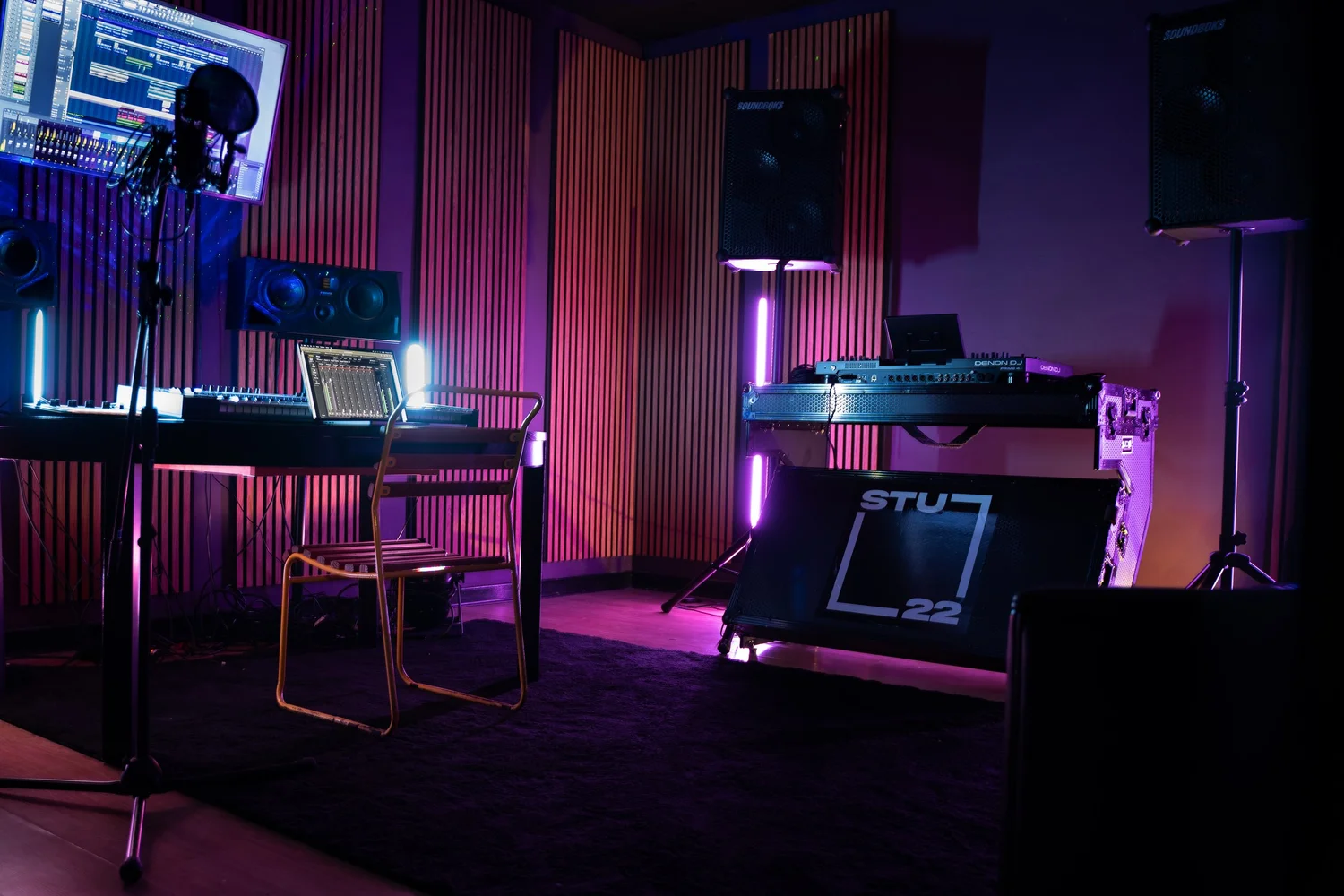
Bring headphones you know and trust. A good pair of closed-back headphones lets you hear yourself properly while you record. STU 22 has excellent studio monitors, but during recording you will be wearing headphones and singing or rapping to a click track or beat. If you bring unfamiliar headphones, you may struggle with monitor mix and timing. Bring the pair you have practised with at home.
Your Lyrics and Performance Notes
Print your lyrics on paper. Even if you have them on your phone, paper is easier to mark up, highlight cues, and spot timing issues. Bring a pen. You will want to annotate sections during the session, mark breath points, note which takes felt best, or highlight lyrics to punch separately.
If you have worked out vocal runs, ad libs, or stacks (layered harmonies), write them down. Bring any reference vocals or reference mixes that inspired the track. A good engineer or session assistant can listen to your reference and help you dial in the vibe. Your memory under pressure is not reliable. Write it down.
Practical Items
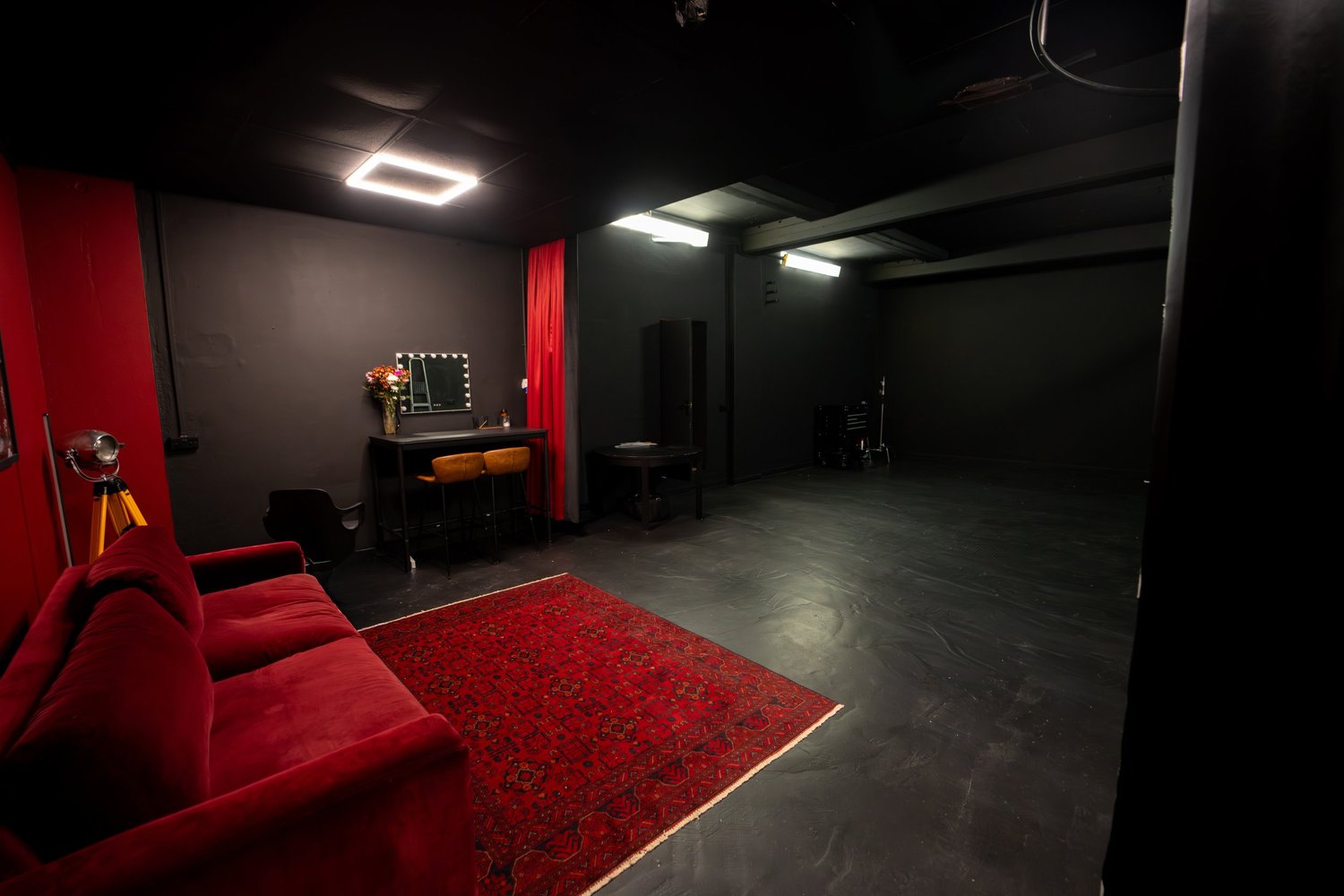
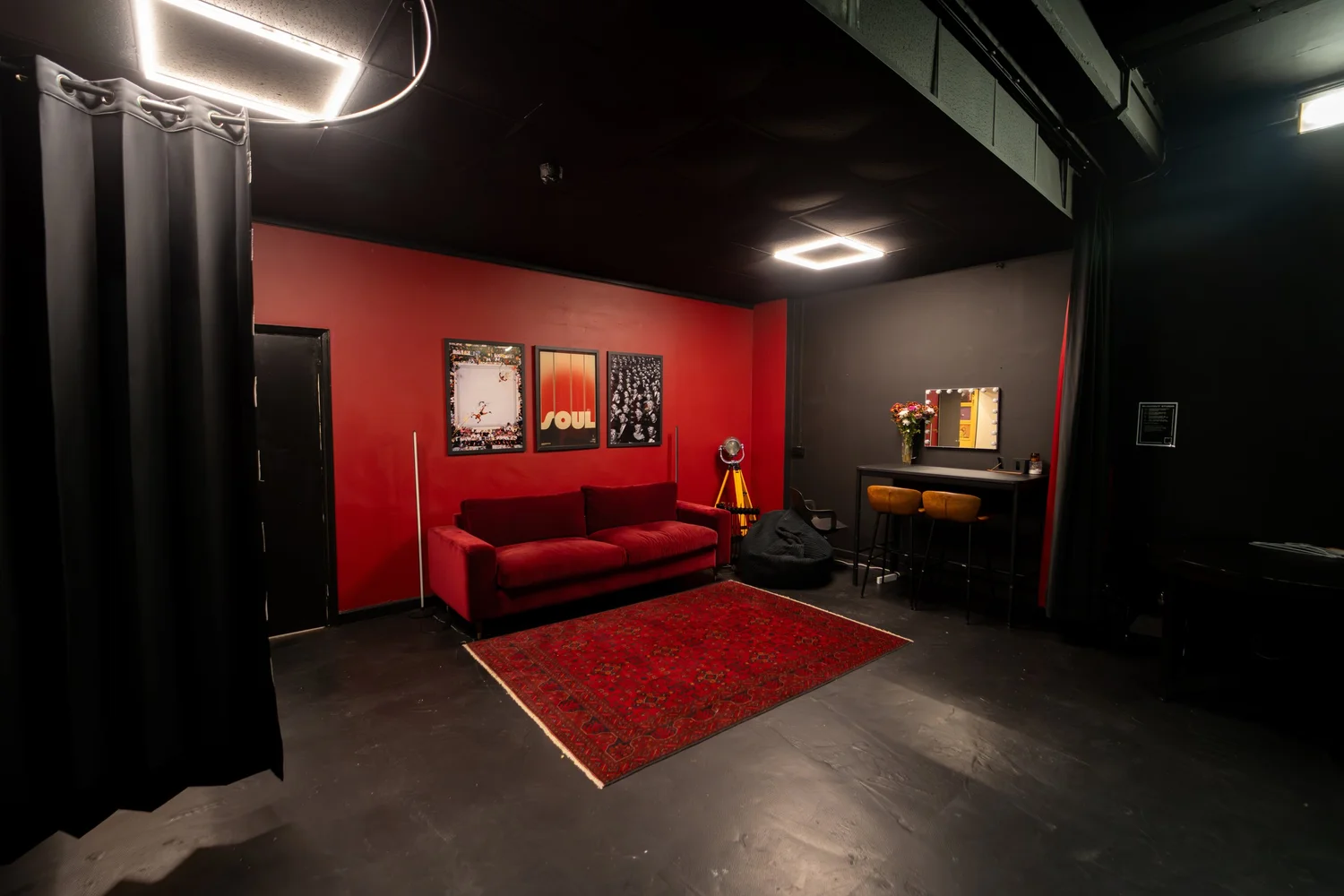
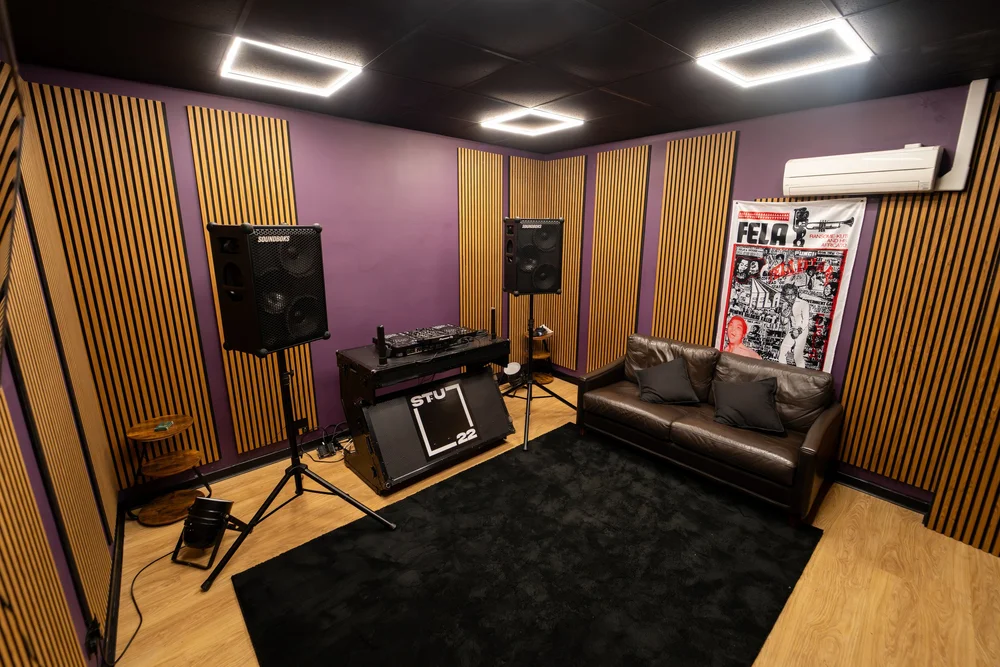
Bring water, not coffee or energy drinks. Your voice needs hydration, not caffeine jitters. Bring a spare hoodie or a jumper, even if it is warm outside. Some artists find a quieter space helps them focus, and a hoodie over the head can psychologically create that. The Portal at STU 22 in Wapping is fully isolated and quiet, but the familiar comfort of your own layer can help.
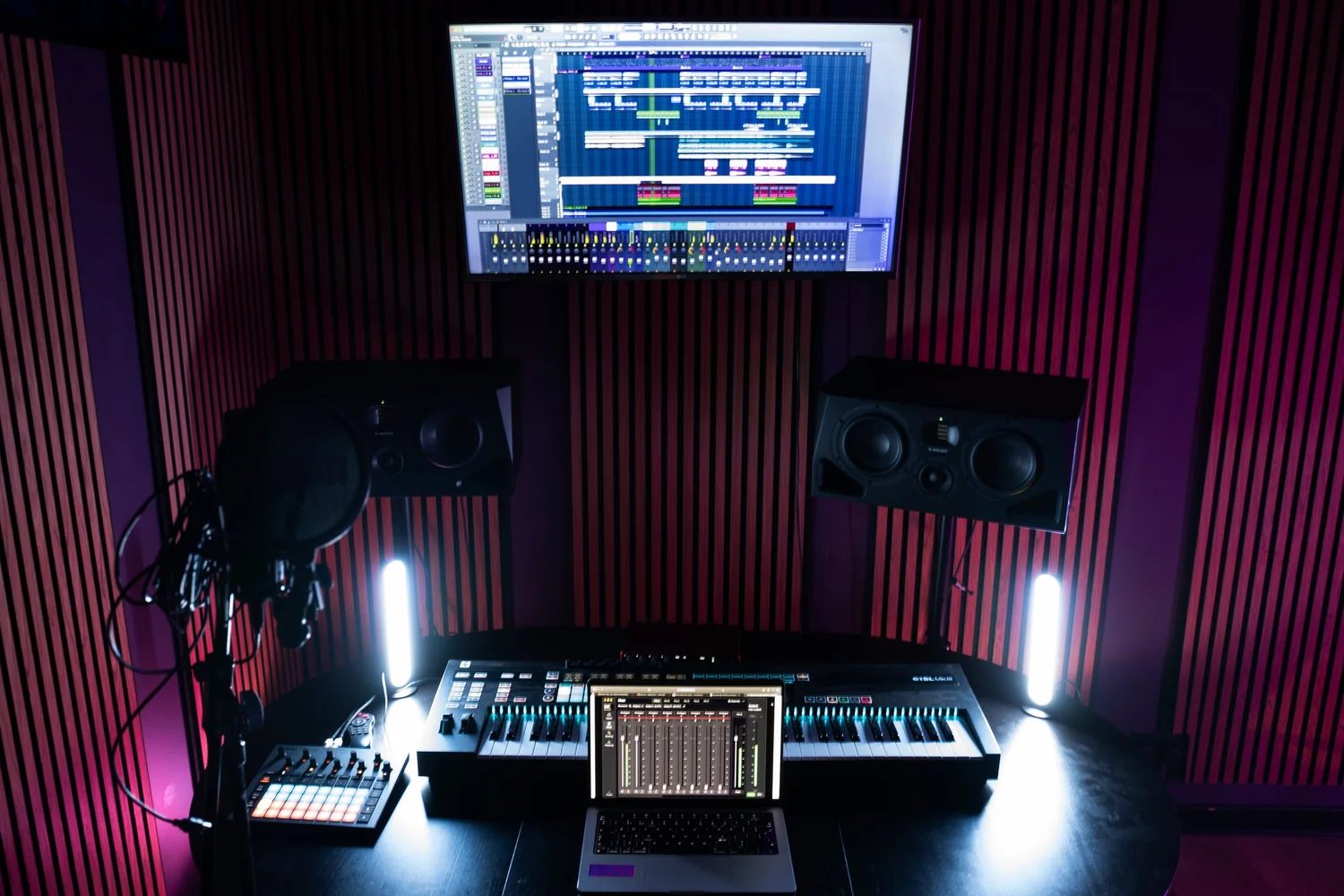
If you own a microphone you like and have used for home recordings, bring it. the Portal is equipped with a RODE NT-USB microphone and a Focusrite Scarlett 18i16, which is more than adequate for your first session. But if you have bonded with your own mic and know how it sounds on your voice, that familiarity can be worth more than specifications.
Ready to book your first session?
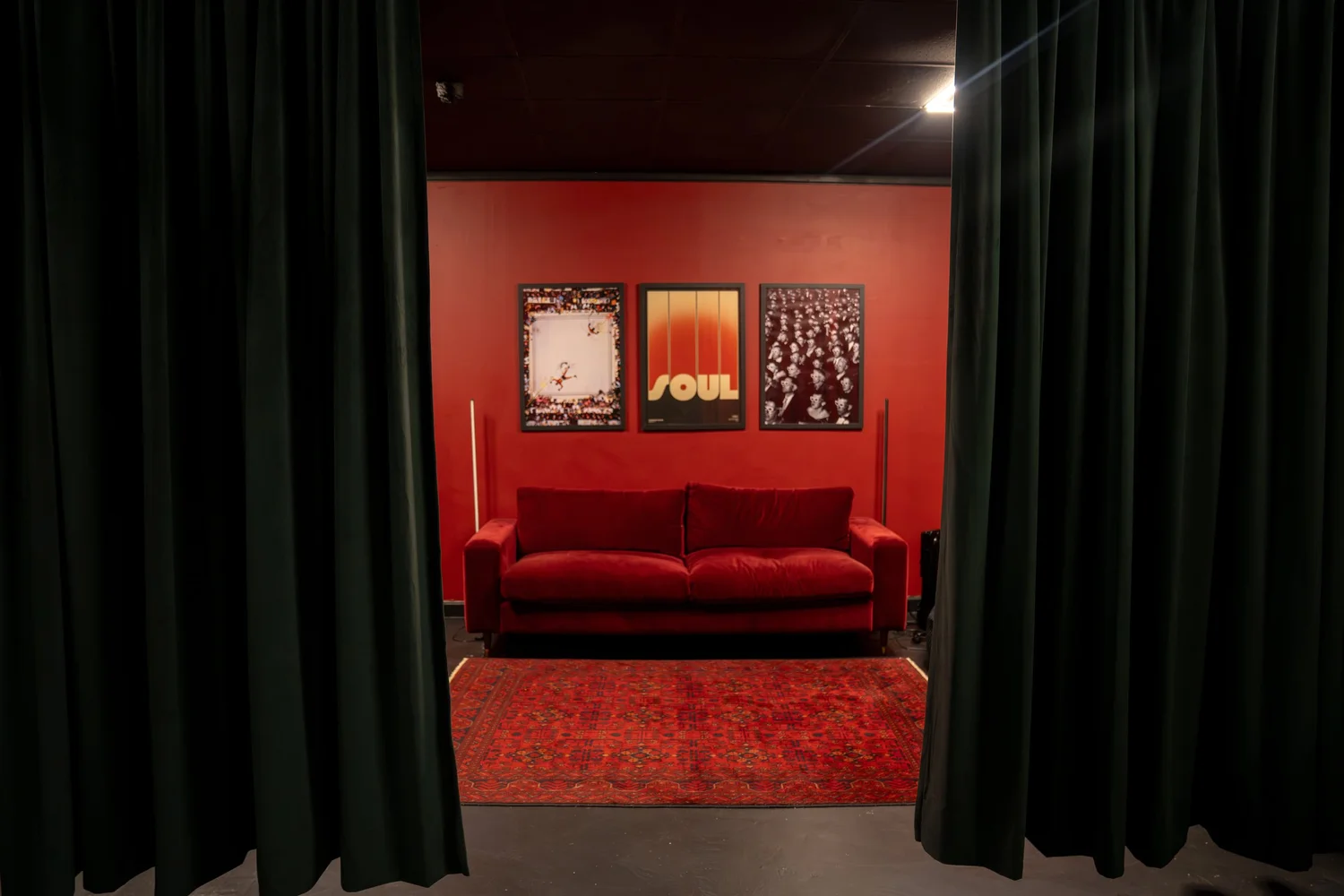
The Portal at STU 22 in Wapping is designed for artists exactly like you. Ground floor load-in, no stairs. Excellent acoustics. All the gear you need. Book a 2 or 4 hour session today.
Book the PortalThe Week Before Your Session
A week out, start rehearsing your track at the actual tempo you have chosen. Sing or rap it ten times, not just once. Practice to the beat, with headphones or speakers, at the exact BPM and in the exact key. This is not about perfection. It is about familiarity. Your voice needs to know this song.
Rest your voice in the final two days before your session. Do not do a big vocal workout, do not go to a gig or spend three hours with friends shouting over music. Speak less than usual. Warm up your voice gently each morning, but do not strain it. Sleep well. Your voice is your instrument, and like any instrument, it performs better when rested and loose.
Write down your vocal stacks. If you want layered harmonies, decide how many layers, what intervals, and when they come in. If you have ad libs or sung runs, write them out. Sketch a simple session plan: "Verse 1 (5 takes), Verse 2 (5 takes), Hook (10 takes), Bridge (3 takes), ad libs (30 mins)." This is just a rough time budget so you and your engineer can pace the session and not run out of time.
The night before, gather everything you will bring, check it twice, and leave it by the door. Do not rely on memory on the morning of your session. Do not bring it all in a panic. Prepare like a professional.
Understanding Studio Hourly Rates and the Real Cost
STU 22 charges by the hour for use of the Portal, which is the music studio. Bookings are one hour minimum. Prices are £50 per hour for the Music Studio on its own, all plus VAT at 20 percent. Let us walk through what this means in real money so there are no surprises when you arrive.
For a two-hour session in the Music Studio: 2 hours multiplied by £50 equals £100. VAT at 20 percent on £100 is £20. Your total is £120. For a four-hour session: 4 hours multiplied by £50 equals £200. VAT is £40. Your total is £240. That arithmetic is transparent so you know exactly what you are paying.
Most first sessions run two to four hours. Two hours is enough for a single vocal or rap, maybe eight to ten complete takes plus some layers. Four hours gives you breathing room, lets you do a proper warm-up, redo sections you are not happy with, and experiment with arrangement tweaks. Book according to your pace and budget.
If you want to use both the DJ room and the Music Studio in a single session (useful if you are cutting samples or arranging drums live), the rate is £70 per hour. Two hours would be £140 plus £28 VAT, total £168. Four hours would be £280 plus £56 VAT, total £336.
| Option | 2 Hours | 4 Hours |
|---|---|---|
| Music Studio (£50/hr) | £100 + VAT £20 = £120 | £200 + VAT £40 = £240 |
| Both Rooms (£70/hr) | £140 + VAT £28 = £168 | £280 + VAT £56 = £336 |
STU 22 is one of the cheapest recording studio hire options in East London for this quality of space and equipment. Plenty of rooms across Tower Hamlets, Shoreditch and Hackney sit in the £60 to £100 per hour bracket, and at that price you should expect strong acoustics and current gear as standard. STU 22 gives you a Focusrite Scarlett interface, ADAM studio monitors, and a fully isolated room for £50 per hour plus VAT.
You Are Your Own Engineer: What You Need to Know
STU 22 does not provide an in-house engineer. The room and the gear are yours for the hour. You have two options: bring an engineer or production collaborator with you, or run the session yourself in your own DAW (Digital Audio Workstation) on your own laptop.
If you are working alone, you need to be prepared. Check these things before you arrive:
- Your laptop is fully charged and you bring a power cable
- Your DAW (Logic, Ableton, Pro Tools, Reaper, Studio One, whatever you use) is installed and properly licensed
- You have created a session template with your beat loaded, gain settings saved, and your vocal track ready to record
- Your audio drivers are up to date
- You have a USB-C adapter if your laptop uses USB-C (the Focusrite Scarlett uses USB-C)
- You have at least 10GB of free disk space (WAV files for a full vocal can be 2 to 3GB)
The Portal has excellent monitors and a full Focusrite setup. You simply plug in, open your session, press record, and go. But if your DAW is not ready, or your drivers are not installed, the first thirty minutes of your expensive hour will disappear while you troubleshoot. Prepare at home. Test the whole flow: open your DAW, load a beat, create a track, arm it to record. Make sure it works.
If you bring someone with you to engineer (which is smart if you can), they can handle levels, click track timing, comp tracking (recording multiple takes and assembling the best parts), and feedback on tone. You focus on performance. This is how most professional vocalists work. If you have a mate who knows a DAW or has studio experience, bring them.
Need technical advice before you book?
Contact us on WhatsApp to talk through your setup, confirm your laptop will work with our gear, or discuss bringing your own engineer. We want your session to run smoothly from the moment you arrive.
Chat on WhatsAppWhat Happens on the Day: A Minute-by-Minute Guide
STU 22 is located at 8-10 Sampson Street in Wapping, with ground floor access, no stairs, and street parking available outside. The Wapping Overground station is five minutes walk away if you are coming by public transport. Arrive 10 to 15 minutes early. This is not a race.
Here is what a typical two-hour first session looks like:
| Time | What Happens |
|---|---|
| Arrival + 0 to 5 mins | Load in. Set up your laptop. Breathe. Get water. No rush. |
| 5 to 15 mins | Connect gear. Test your DAW session with the Focusrite. Check headphone levels. Test the mic. Record a scratch take. |
| 15 to 25 mins | Vocal warm-up. Sing or rap the track three times at full energy. Adjust monitor levels. Lock in timing with the beat. |
| 25 to 70 mins | Record takes. Aim for 8 to 10 complete vocal or rap takes. Mark the best ones. Take 5 mins rest at the halfway point. |
| 70 to 100 mins | Comp and layers. Assemble the best take. Record background vocals, harmonies, or ad libs. Do punch-ins (re-record small sections) if needed. |
| 100 to 115 mins | Final listen-back. Bounce your session to a stereo WAV or MP3. Copy files to USB stick and phone. Pack up calmly. |
| 115 to 120 mins | Leave with your audio files, notes, and confidence for the next session. |
The first 20 to 30 minutes are always setup and familiarisation. Your voice takes time to warm up. Do not expect to be singing your best takes in the first ten minutes. Build up to it. The best takes usually come in minutes 30 to 70, when you are loose and warmed up but still fresh. Save some energy for layers and punch-ins in the final half hour.
Common First-Session Mistakes and How to Avoid Them
Mistake 1: Arriving Unprepared
You arrive without printed lyrics, your beat on three different devices, or your DAW tested. Twenty minutes evaporates while you download missing files, figure out your mic levels, and worry about technical setup. Never let this happen. Test your entire chain at home the day before. Print everything. Arrive ready to sing.
Mistake 2: Recording Too Many Rough Takes
You do 30 takes of a verse and listen back to all of them. This wastes time and your voice gets tired. Record in sets of five or six, mark the keeper (the one that felt best), then move on. You can always come back and punch in a specific phrase if needed. Fresh takes are almost always better than takes 15 through 30.
Mistake 3: Not Pacing Your Voice
You smash out 20 full vocal takes with zero breaks and then your voice is cooked for the final 30 minutes when you need to do layers. Build in a five-minute rest halfway through. Sip water. Hum gently. Your voice is a muscle. If you trash it early, you cannot recover in the time you have. Pace yourself.
Mistake 4: Losing Your Best Files
You record great takes but forget to save them properly or save them only to your laptop hard drive. Then your laptop dies and they are gone. Export your takes as WAV files and copy them to a USB stick and your phone before you leave the room. Never put all your recordings in one place. This is paranoia that is worth it.
Mistake 5: Ignoring the Headphone Mix
If your headphone levels are too high or too low, or if the beat is not in time with your click track, you will struggle to perform. Spend two minutes at the start getting the headphones right. Tell your engineer or adjust your DAW so the beat is clear and the click (if you are using one) sits nicely. A good headphone mix makes everything easier.
Mistake 6: Not Writing Down What You Want
You think you will remember which take was the best, what ad libs you want to layer, or what to punch in later. You will not. Bring a notepad. Mark takes as you go: "Take 5 great verse, take 8 good hook, re-do bridge." Write it down in the moment. Your brain is focused on performance, not note-taking. Outsource that to paper.
What to Do With Your Files After the Session
You leave the Portal with WAV files of your vocal or rap. What happens next? You have several options depending on your budget and plans.
Option 1: Mix and Master Yourself
If you have experience in your DAW, you can layer and eq your vocal, compress it, add reverb, and blend it with the beat. Then you bounce a stereo mix and send it to a mastering engineer or use a mastering plugin. This takes time and skill but costs nothing extra.
Option 2: Send to a Mix Engineer
You send your vocal stems and the beat to a mixing engineer, who combines them, balances levels, adds effects, and sends you back a clean stereo mix. Mixing engineers in London charge £50 to £300 depending on experience and turnaround time. A good budget engineer can turn your raw takes into a polished mix for £75 to £150.
Option 3: Send to a Full Production Company
Some studios and producers in Wapping, Shoreditch, or across East London offer end-to-end services: recording, mixing, and mastering as a bundle. If you do not want to DIY, this removes the cognitive load. Expect to pay £200 to £500 total.
Whatever you choose, never delete your WAV files. Store them on your computer, on a cloud backup (Google Drive, Dropbox, iCloud), and on a USB stick. Keep everything. You might want to re-record, remix, or use the vocals on another beat later. Studio recordings are precious. Do not lose them.
Once your mix and master are done, you can upload to YouTube, Spotify (via a distributor like DistroKid or CD Baby), SoundCloud, or Bandcamp. You have recorded a professional track in a real London studio. That is a milestone. Celebrate it.
FAQ: Your Questions Answered
Can I use my own equipment at STU 22?
Yes. If you have a microphone, audio interface, or monitor speakers you prefer, you can bring them. STU 22 provides a complete setup (Focusrite Scarlett, ADAM speakers, RODE NT-USB microphone), so nothing extra is required. But the room is yours, and you can use your own gear alongside or instead of the house setup.
What if my laptop does not have USB-C?
The Focusrite interface uses USB-C. If your laptop has USB-A, bring a USB-C to USB-A adapter, or use a USB-C hub. You can buy these adapters for £5 to £15. Get one before your session and test it at home so there are no surprises on the day. If you use a hub, use a powered one to ensure enough power flows to the interface.
What DAW should I use?
Any DAW works with the Focusrite: Logic, Ableton, Pro Tools, Reaper, Studio One, FL Studio, Garageband. Use whatever you are comfortable with. If you are not sure what to use, Garageband is free on Mac, or Reaper offers a free trial. Download and practise at home first. Do not try a new DAW for the first time in a paid studio session.
How do I know if I am a "good" vocalist for the studio?
You do not have to sound like a radio star. You have to be consistent and confident in your delivery. If you can perform your verse the same way twice in a row, that is good enough. The studio lets you comp takes, layer harmonies, and add effects. Raw, honest vocal chops over a great beat sound better than pitch-perfect isolation. Bring your personality, not a perfect voice.
How much does a rap recording studio in London normally cost?
A typical rap recording studio hire in London ranges from £40 to £100 per hour. Budget studios (£40 to £60) are often small, with basic gear. Premium studios (£80 to £150) have vintage preamps, great monitoring, and in-house engineers. STU 22 at £50 per hour is in the sweet spot for a first-timer: excellent room acoustics, current professional gear (Focusrite, ADAM, RODE), and a space that has hosted serious artists. You get a lot for your money in Wapping.
Can I record multiple songs in one session?
Technically yes, but not advised for your first session. A two-hour session is really only enough for one vocal or rap track fully recorded and comped. A four-hour session might stretch to one and a half tracks if you work efficiently. First sessions are about learning the room and the process. Focus on one song. Do it well. Book another session for the next track.
What if something goes wrong during my session?
Technical issues happen. Your DAW crashes, your laptop runs out of power, the interface stops responding. Have your engineer or the person with you restart the gear and reconnect. Keep your original beat files on your phone as a backup. If something is truly broken, contact STU 22 straight away. But most glitches sort themselves with a restart. Stay calm and remember you have a second USB stick or phone backup of your audio. You will not lose your recordings.
Next Steps: Book Your Session Today
You have a beat. You have written your lyrics. You have memorised your hook. You are ready to how to record your first track in a proper London studio. STU 22 in Wapping is a professional space with pristine acoustics, current gear, and rates that do not break the bank. Two hours, four hours, whatever fits your budget and material.
Whether you are an independent artist in Hackney, a rapper from Whitechapel, or someone in Canary Wharf looking for a music studio hire in East London, the Portal is five minutes from Wapping Overground, with street parking and ground floor access. No barriers. No faffing. Just you, your voice, and a room that sounds like a record.
If you want more advice on studio choice or recording techniques before you book, read our guide on how to choose a music studio in London, or explore vocal recording and production techniques to deepen your knowledge.
Ready to record?
Book a session at the Portal. Check your kit. Print your lyrics. Arrive ready. Leave with a professional recording.
Book the Portal Now